
Information architecture
We lay out your sites, hubs and libraries around how the company actually works, with a home for every client, project and team, set up the same way every time.
- PaigeWhere do Henderson’s drawings go?
- CarlProjects? Engineering? Henderson’s own site?
- PaigeYes.
How it works.
- 01How you work
Short sessions with each team on what they make, share and look for.
- 02One map
Hubs, sites and libraries on one page, agreed before anything is built.
- 03The same every time
One standard for every client, project and team site.
- 04Built and handed over
Set up in SharePoint, with a one-page guide for owners.
This is the real app. Click around.
The same code that runs in a client’s SharePoint, on made-up Tab & Shift data. Nothing you do here leaves your browser.
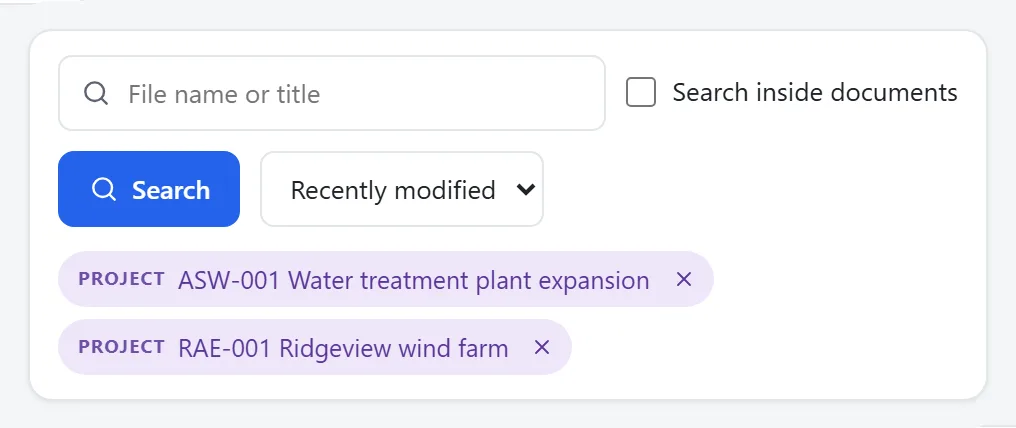
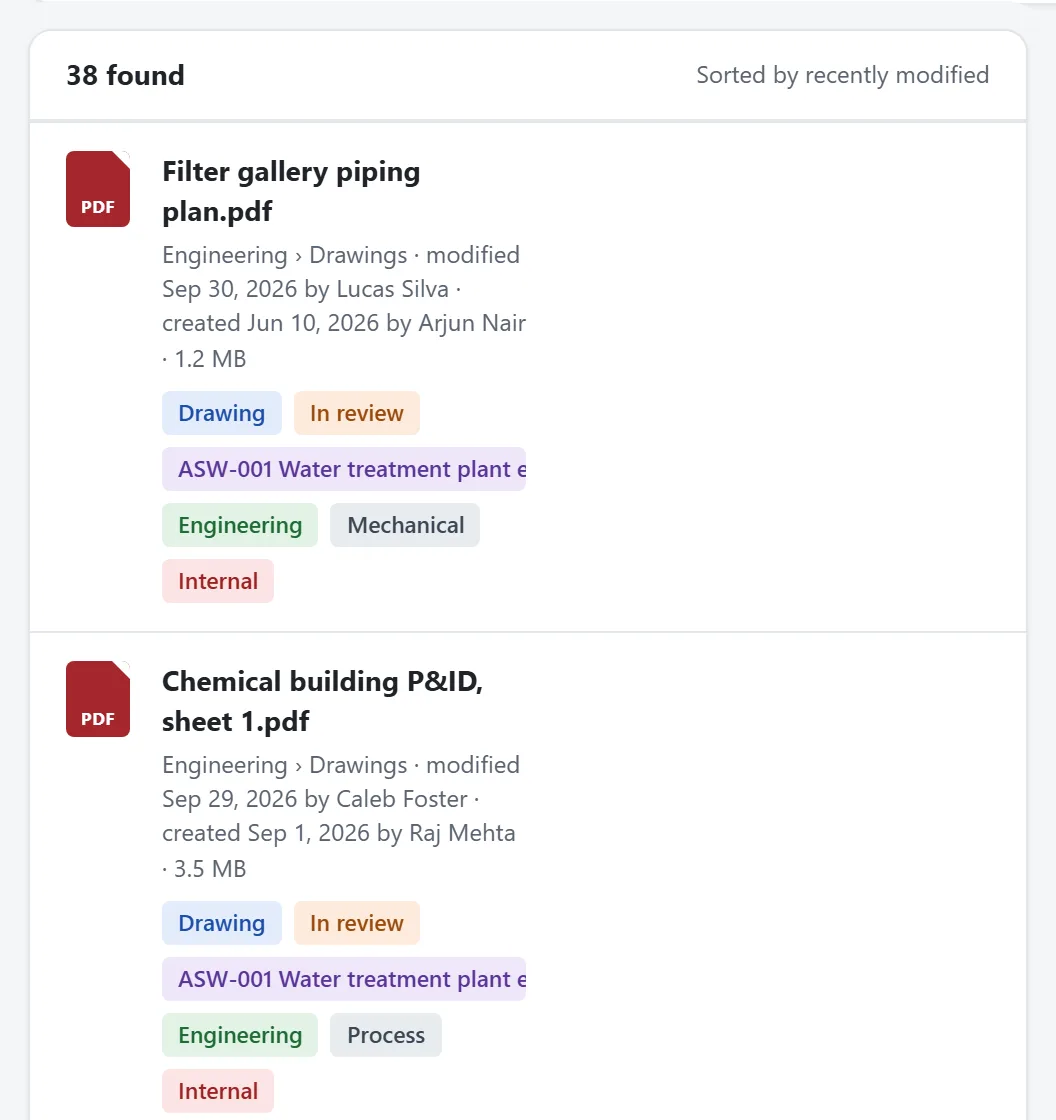
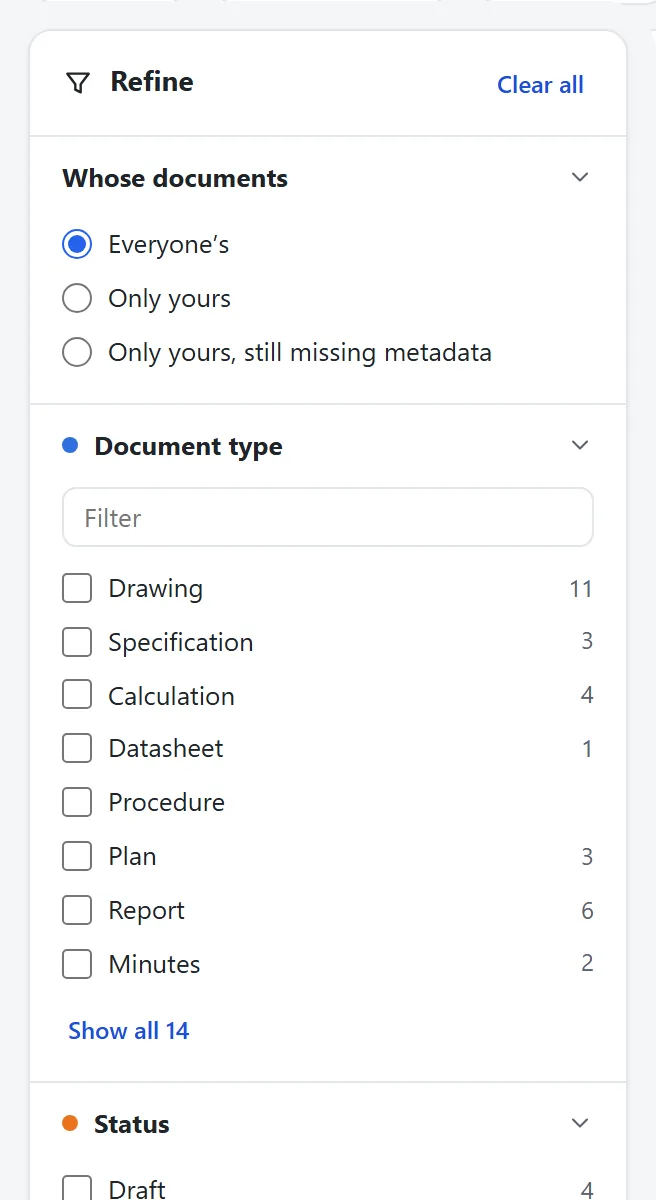
Best on a laptop or larger. On a phone, open it full screen.
What the work looks like.
The same structure on every project.
Open the sample Case study · client unnamedAn energy company gets its documents in order.Some forty SharePoint sites and about 46,000 untagged files became a planned structure, document control for engineering, and one search across every site.
Read the case studyWhat people ask.
Folders or metadata?
Both, each where it fits. A few folders people recognize, with tags doing the work for search.
Do we have to move everything at once?
No. The structure is set up first, then teams move in one at a time.
Plan your move.
Thirty minutes on a call. We tell you how we would start. Not sure yet? The Scan is free.